eSIM, Local SIM or Pocket Wi-Fi: Staying Connected in Korea
In Korea, a working phone connection is part of getting around. Maps, transit apps, restaurant bookings and translation all need data, and many visitors find that the first hour in the country is much easier with a plan already in place. There are four common ways to stay connected: an eSIM, a local SIM card, pocket Wi-Fi, or your home carrier’s roaming plan. Each suits a different kind of trip.
The four options at a glance
| Option | Best for | Watch out for |
|---|---|---|
| eSIM | Solo travelers and couples with an unlocked phone who want to set up before landing | Your phone must support eSIM and be unlocked; install it before you leave |
| Local SIM | Longer stays and people who want a Korean number | Requires a passport and a phone that accepts a physical SIM; setup can take time at the counter |
| Pocket Wi-Fi | Groups and families sharing one connection | One more device to charge and carry; return it on time |
| Roaming plan | Short trips where you want no setup at all | Often the most expensive per day; check data limits and speeds |
eSIM: set it up before you land
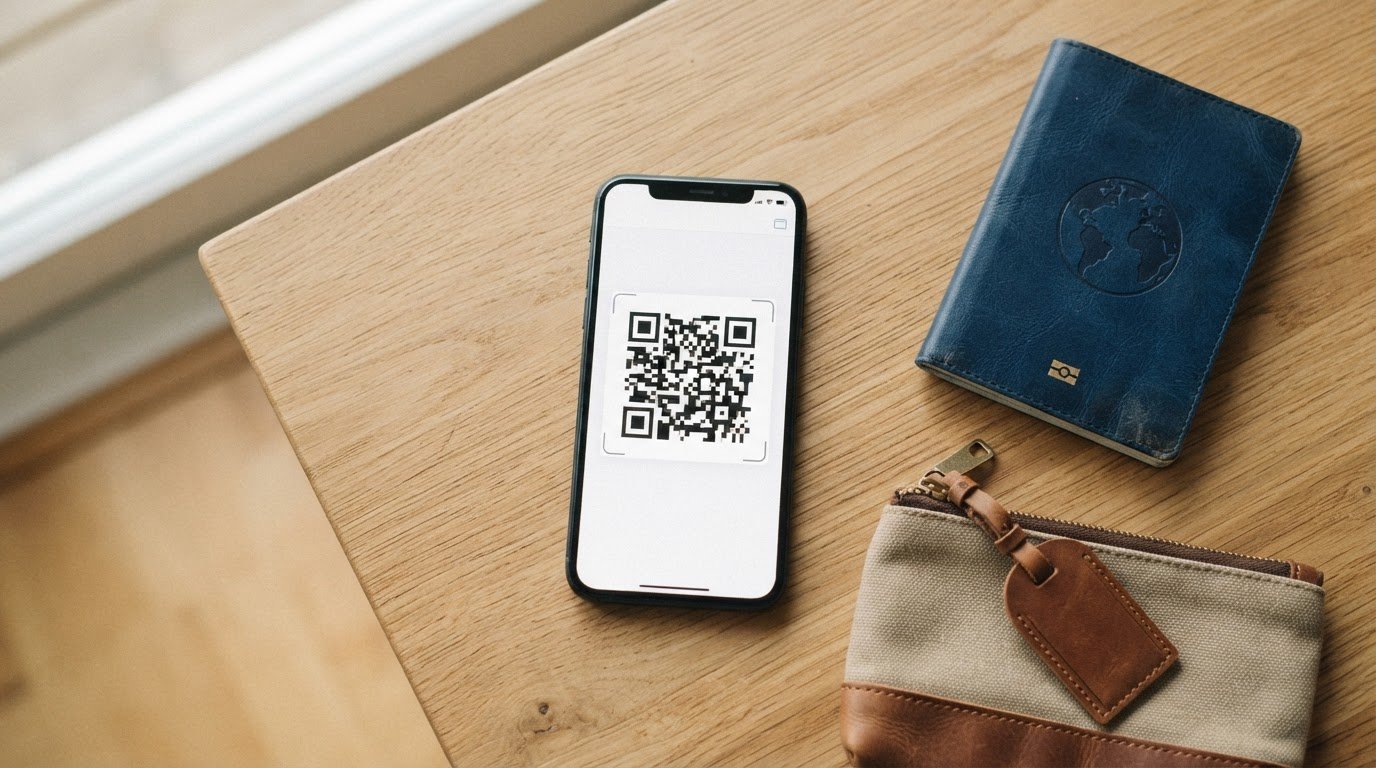
An eSIM is a digital SIM you install on your phone from a QR code or an app. The advantage is timing: you can install it at home, check that it works, and have data as soon as you land. Before you buy, confirm three things: your phone model supports eSIM, your phone is unlocked for other carriers, and the plan covers the country and the number of days you need.
Keep your home line active for SMS codes if your bank or messaging apps use them. Many visitors leave their home SIM on and set the eSIM as the data line.
Local SIM: best for longer stays
A physical Korean SIM is useful if you stay for several weeks or want a local phone number. You will usually need your passport to register. Arrange the SIM at a phone shop or airport counter, and ask the staff to confirm the data plan, the validity period and whether a deposit or card is needed. Set aside time for the process, especially if you arrive late.
Pocket Wi-Fi: good for groups
A pocket Wi-Fi device creates a hotspot that several people can use at once. It works well for families and small groups, and it means you do not need every phone to have an eSIM. Check the return method before you collect it. Some rental services offer airport drop-off, while others require you to return it to a counter, and late returns can be charged.
Roaming: simple, but check the cost
Your home carrier’s roaming plan requires no setup, which is convenient for a short trip. Look at the daily rate, the data allowance, the speed after the limit and whether calls and messages are included. For a few days, roaming may still cost more than an eSIM or a pocket device, so compare before you assume it is the easiest choice.
How to choose
- A short solo trip with an unlocked phone: start with an eSIM and install it before you leave.
- Three or more weeks in Korea: compare a local SIM with a long-stay eSIM plan.
- A family or group sharing data: consider a pocket Wi-Fi, and count the devices it must support.
- A phone that cannot take an eSIM: use a local SIM or pocket Wi-Fi, or roaming if you only stay a few days.
Before you buy
- Check the price against the number of days, the data allowance and any hotspot limits.
- Confirm the plan starts when you activate it, not when you buy it.
- Save the provider’s support contact before you leave home.
- Keep a note of your plan’s expiry date so it does not run out in the middle of a trip.
Prices and plan names change frequently, so this guide does not list fixed rates. Compare the current offers from providers on the day you buy.
Use your connection well
Once you are connected, download the offline maps and key routes you need, and save your hotel address in Korean. A good connection makes the Naver Map and KakaoMap routes in our maps guide much easier to use, and it means you can check transit payment options when you land. For the arrival step itself, read our Incheon airport guide.
Information reviewed: November 23, 2026. Plans, prices and eSIM support change, so confirm the details with the provider before you travel.
